Quick answer
How to put two pictures side by side
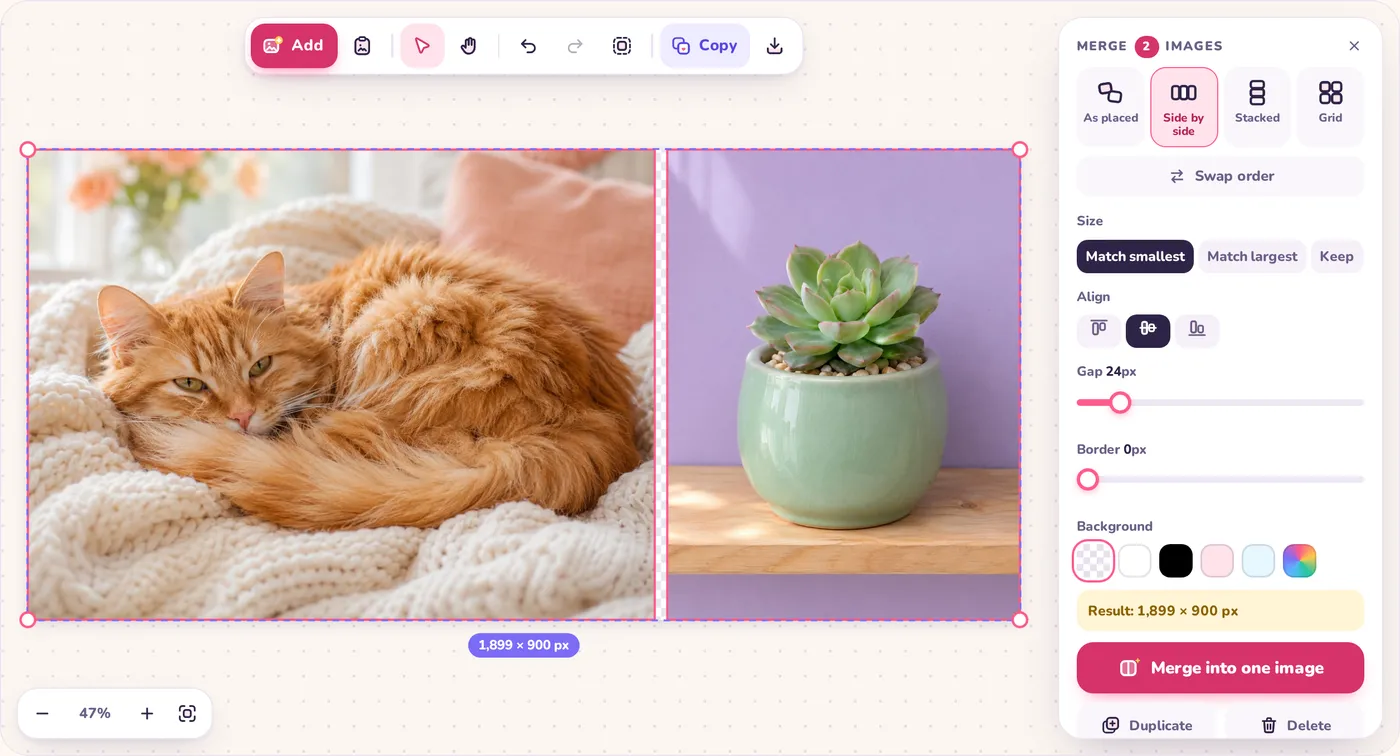
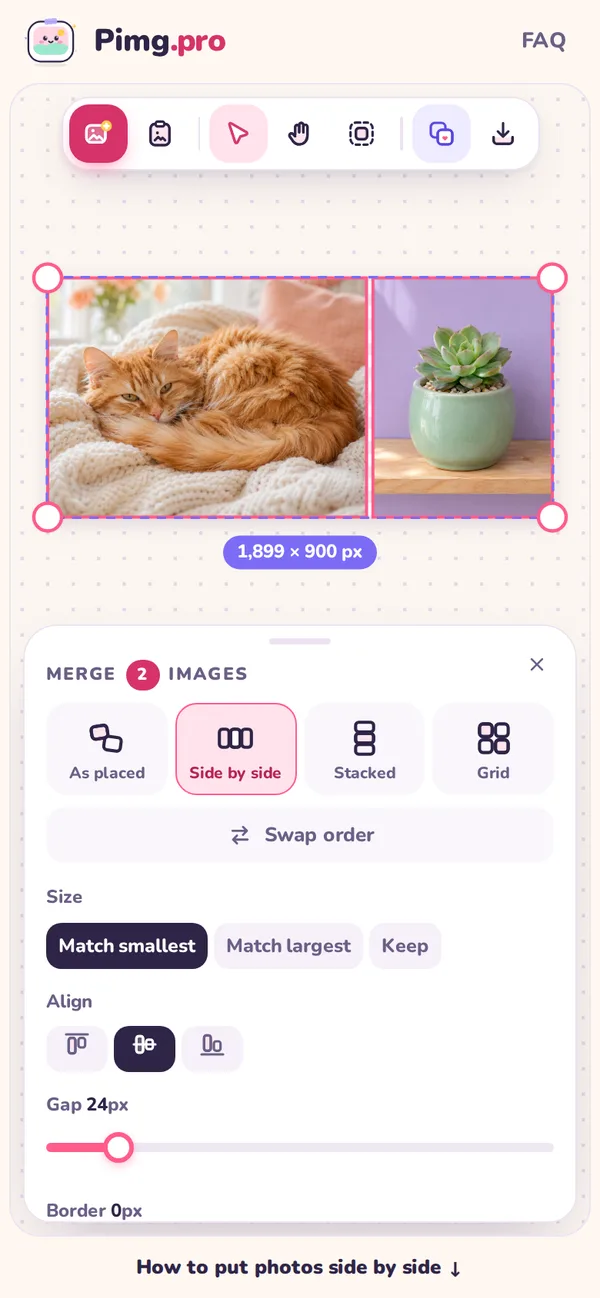
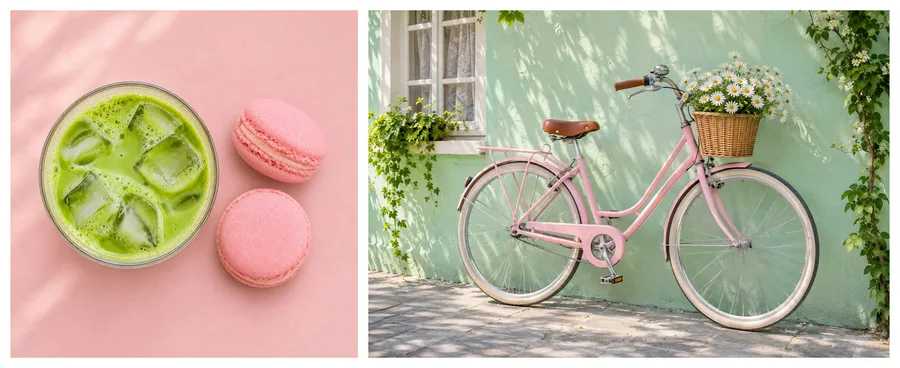
Add both photos to the canvas above and Pimg.pro puts them side by side for you. Then:
- Add two photos. Click Upload images and pick both, drop the files on the canvas, or paste them one at a time with Ctrl + V.
- Check the order. They line up left to right in the order they sit on the canvas. Click Swap order to change which photo is on the left.
- Pick the look. Keep Match smallest for equal heights, then add a gap, a border or a background color if you want a frame or a dividing line.
- Save it. Click Copy to paste the side by side photo anywhere, or Download it as PNG, JPG or WebP.
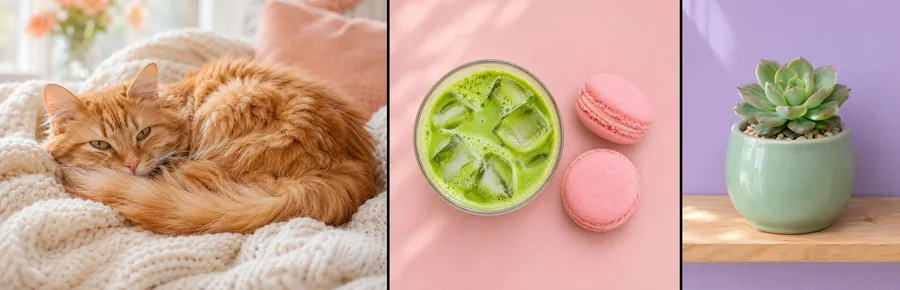
Three, four or more pictures work the same way: every photo you add joins the same row.